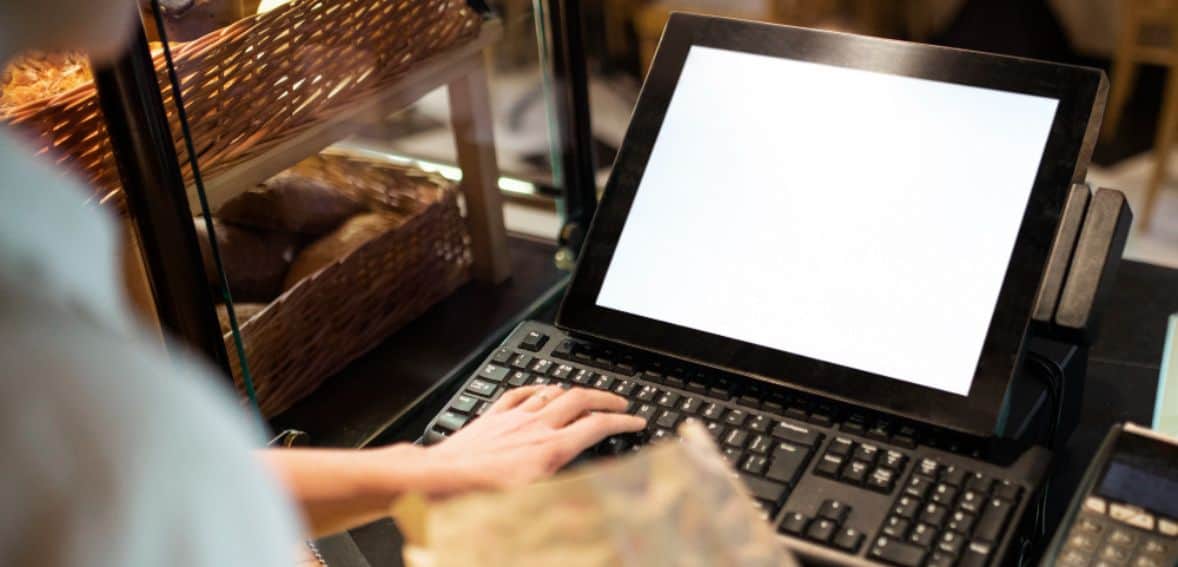
Selecting the best cloud-based POS system can make your business operation simpler. It keeps track of sales, inventory, payments, and customer data in one place. With so many choices out there, it’s crucial to select one that suits your business requirements, budget, and plans for the future. Here’s a quick guide to help you make the right decision.
What Makes Cloud-Based POS Systems a Smart Choice for Modern Businesses

Cloud-based POS systems come packed with features that make running a business easier, smarter, and more flexible.
One of the biggest perks is remote access—you can check in on sales, manage inventory, or pull reports from anywhere, whether you’re at the store, working from home, or even on vacation. This is particularly useful if you have multiple sites, as you can keep an eye on all of them in real time.
Another huge advantage is automatic updates. You don’t need to fuss about updating the software by hand—new features and security enhancements are introduced in the background, keeping everything functioning properly without disrupting your day.
Data protection is also a prominent feature. Cloud POS systems generally have solid built-in security, such as encryption and automatic backups. As everything is saved in the cloud rather than solely on a local machine, your data remains secure even if something goes awry with your equipment.
Additionally, these systems are incredibly scalable, meaning as your company expands—hiring new employees, more products, or even additional store locations—you can scale up with ease without having to purchase costly new hardware.
They’re also easy to integrate with other tools you’re already using, such as accounting software or your online shop, so everything gets in sync nicely and reduces manual labor.
The icing on the cake? They’re designed to be easy to use, with flexible costs that increase as your business does. Whether you’re just beginning or growing rapidly, a cloud-based POS gives you the flexibility and convenience you require to stay on track.
Cloud POS vs Traditional POS
Feature | Cloud-Based POS System | Traditional POS System |
Technology & Infrastructure | Runs on cloud with online data storage and internet access. | Installed locally with on-site data storage and no internet. |
Flexibility & Accessibility | Accessible remotely from any device with the internet. | Can only be accessed on-site at the business location. |
Updates & Maintenance | Automatic software updates managed by the provider. | Manual updates required; may become outdated. |
Data Security & Backups | Offers automatic backups and built-in security features. | Manual backups and local security prone to hardware failure. |
Scalability | Easily scalable with minimal effort and cost. | Scaling requires more hardware and higher costs. |
Integration with Other Systems | Integrates smoothly with tools like CRM, accounting, and eCommerce. | Limited integration; often requires manual data entry. |
The Key Components of a Cloud-Based POS System (And Why They're Important)
A cloud-based POS system consists of both hardware and software that combine to streamline your sales process and provide you with more control of your business. Let’s outline what’s involved in plain terms:
Hardware that Works
The tools that you interact with when using your POS system are important. You can use a cloud POS on several different devices— tablets POS, smartphones, or specialized POS terminals—so it’s usable whether you’re in the shop or on the road.
Barcode scanners speed up scanning and keep inventory tracking correct. Receipt printers ensure that your customers leave with a record of purchase, and cash drawers remain necessary for securely handling cash.
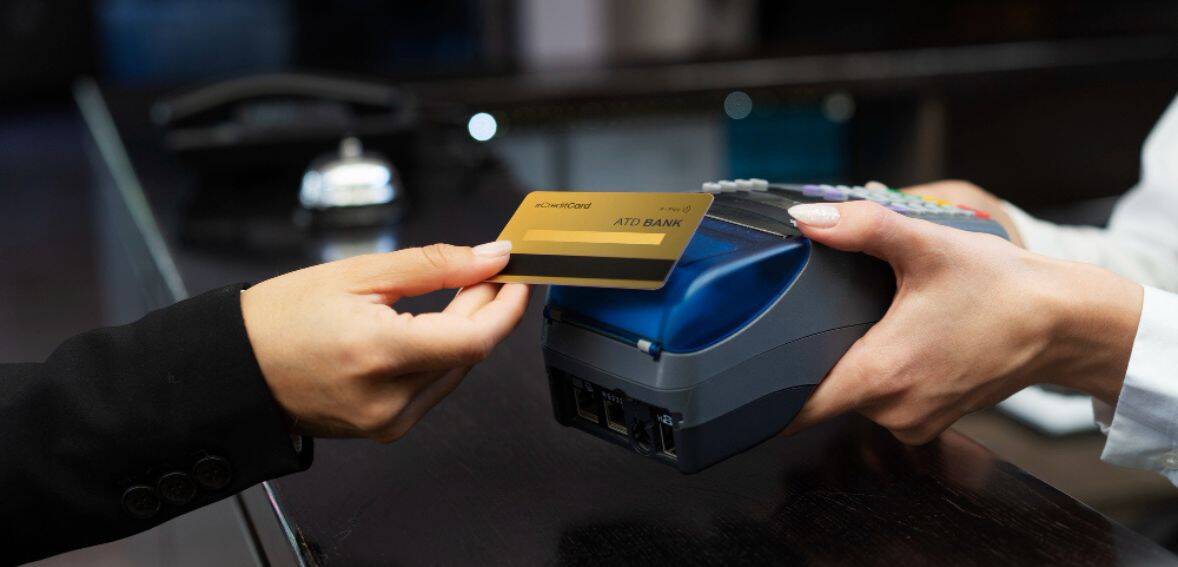
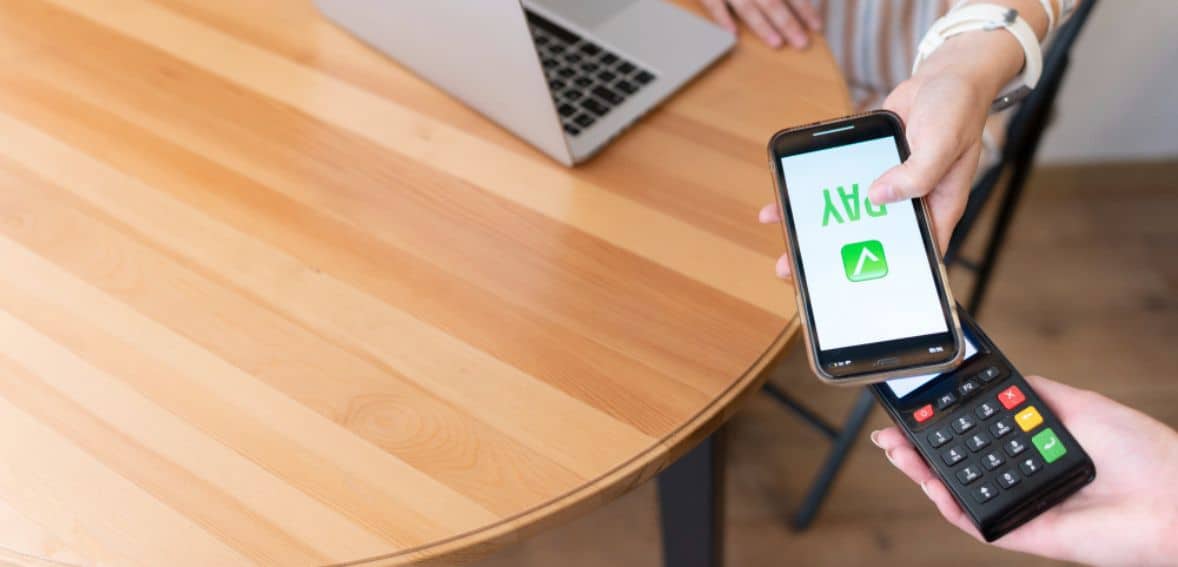
Card readers allow you to accept payments of all types of cards, including contactless ones, with the process remaining quick and easy. For companies that travel, such as pop-up stores or mobile sellers, mobile POS installations bring all the same features to your fingertips wherever you happen to be.
Smart Software that Powers Everything
The actual magic lies in the software. The POS software itself processes transactions and integrates all components of the system. You’ll also receive inventory management tools that monitor your inventory levels, alert you when you run low, and prevent over-ordering.
A CRM tool is included as well, allowing you to save customer information, monitor purchasing patterns, and craft more personalized experiences. Payment processing is included as well, so you can accept cards and digital wallets without requiring additional services.
In addition, reporting and analytics features provide you with valuable insights into what sells, who is purchasing, and when, so you can make more informed decisions with real-time data.
Simple Integration with Other Tools
A solid cloud POS system also gets along well with the rest of your business. It’ll integrate with your accounting platform, your e-commerce store, and even your loyalty programs, so information flows automatically from one location to another. That includes less manual entry and fewer errors, less time, and less stress.
Supported by the Cloud
All of this is done on cloud infrastructure. The system is secured, backed up, and accessible anytime, anywhere, as long as you have a good internet connection. It’s reliable, scalable, and much more cost-effective than outdated systems.
Why Cloud-Based POS Systems Are a Good Business Decision
Cloud-based POS systems have an assortment of advantages that make your business run more easily and efficiently. Probably the biggest benefit is seamless integration—they interface well with these tools, such as accounting programs, online shops, and customer management systems.
Remote access is another significant benefit. Whether you’re in the shop, working from home, or have multiple branches, you can access sales, handle stock levels, and monitor customer information from anywhere you’ve got an internet connection.
It’s also simple to learn due to user-friendly layouts that require minimal training. Your staff can be up and running fast without lengthy set-up times or complicated guidance.
On top of that, they’re affordable. Rather than shelling out a large sum upfront, you just pay a regular subscription fee—ideal for small businesses or startups who need to watch their expenses.
Finally, data security comes built-in. Everything is automatically backed up in the cloud, so no need to fear losing valuable data or manually backing things up. It’s a hassle-free solution to keeping your business data safe and always readily accessible.
Some Drawbacks to Remember with Cloud-Based POS Systems
Although cloud-based POS systems have several advantages, they do have some drawbacks worth noting. First, they are highly dependent on internet connectivity.
If your internet connection is lost or the server is compromised, your ability to process sales will be disrupted, which is most frustrating during peak hours. Another problem is that support is available only through web channels such as email or chat. While fine for most instances, it’s hard when you require immediate, hands-on assistance and can’t afford to wait.
Subscription fees can also increase over time. As your business expands or you incorporate additional features, your monthly charges might increase, something that can begin to impact your budget if you’re not monitoring it.
There is also the potential threat of power loss or server crashes, something that could not only suspend your operations but, in certain instances, jeopardize your sales data.
Lastly, if you’re in an area with unstable or weak internet, using a cloud-based POS system can be a challenge. It’s a good idea to have a backup plan in place—like an offline mode or manual process—to keep things running when the connection isn’t reliable.
How to Choose the Right Cloud-Based POS System for Your Business
Choosing the best cloud-based POS system starts with understanding your business needs. Consider the scale of your business, what industry you’re in, and how you work on a day-to-day basis.
A clothing boutique will need different things than a café or a pop-up shop on wheels. Once you have an idea of what you need, prioritize key features, such as solid inventory control, user-friendly customer management software (CRM), seamless payment processing for a variety of methods, useful sales reports, and intuitive design. It’s also a good point if you can also integrate the system with your system.
Ensure the POS system is compatible with your current hardware and other software applications, such as accounting software or your online shop. If you have a mobile setup, such as a food truck, find systems that are capable of EPOS configurations.
Always consider the cost vs. value—while many cloud POS systems are affordable, especially without large upfront costs, monthly fees can add up. So compare those expenses with the benefits you’ll get, like better accuracy, less manual work, and faster service.
You’ll also want a system that can grow with you, offering options to add more features, users, or store locations as needed. Good training and customer support are important, too—search for a vendor that provides useful documentation and good support if you have any problems.
Finally, don’t forget security. As your data resides in the cloud, ensure that the system is encrypted and has robust security measures to keep your business and customer information secure. The appropriate POS system should not just simplify today, but also in the future.
Best Cloud-Based POS System
Toast POS
Toast is an up-and-coming cloud-based POS system created specifically for restaurants, starting at $69/month, and also has options for custom pricing. It has flexible plans, so whether you have a small café or a high-volume full-service restaurant, there’s something to fit.
You can pick from various ordering and delivery features such as contactless delivery, curbside pickup, and even the Toast TakeOut app for iOS and Android.
What sets Toast apart is how seamlessly it integrates with third-party delivery services such as Uber Eats, Postmates, and DoorDash. Also, don’t fret about internet connectivity outages — Toast still works offline, so your business doesn’t grind to a halt when the Wi-Fi dies. If you want an up-to-date, all-in-one restaurant POS that’s keeping pace with today’s ordering demands, Toast is certainly worth a look.
Clover POS
Clover provides a straightforward yet robust POS system that is perfect for restaurants and retail stores. Virtual terminal begins with a 90-day 90-day free trial, then $14.95/month unless another plan is enrolled. In addition to these, it also provides other plans and add-ons.
It includes everything you require — from hardware to easy-to-use software that assists with payments, inventory, and even online orders. You can quickly configure staff permissions so that all have the right access depending on their job. One feature that Clover users adore is its 24/7 customer service.
You can access assistance at any time through phone, email, or live chat on their website. In addition, Clover features seamless integration with most business apps, streamlining your operations. If you would like a hardy and intuitive POS system with robust support, Clover is an excellent option.
Shopify POS
Shopify is an excellent choice for online retailers that need a simple way to accept payments and track inventory.
It’s ideal for eCommerce businesses, particularly if you’re new to the scene — you can start small and add features as your shop expands.
One of the greatest things about Shopify is that it comes with a free trial, so you can try it out before you commit. It’s easy to use, trustworthy, and made to allow you to sell both online and in-store with simplicity.
TouchBistro POS
TouchBistro is restaurant-focused. It provides functionality to simplify everyday tasks, such as setting up menus the way you like them, tracking ingredients, and handling tables.
You can also integrate useful features like online ordering, loyalty programs, and reservations as you scale your business. It doesn’t end at customer service — beginning at $69/mo.
TouchBistro assists in monitoring your employees’ attendance and performance. If you own a bar, café, or full-service restaurant, this POS helps to streamline operations and increase efficiency.
What's Fueling the Growth of Cloud-Based POS Systems?
Cloud POS systems have been exploding in popularity over the last few years, and here are some pretty obvious reasons why. To begin with, individuals no longer feel the need to store everything on one machine.
The way we use Google Drive to access files anywhere, cloud POS systems allow business owners to view sales data, customer information, and reports from any device at any time. That level of flexibility is virtually unbeatable.
Another major reason why it’s growing is that transactions can now be processed online and on mobile payments. That means team members can assist customers quickly, monitor their activity, and even gather valuable information to build even more tailored experiences. It’s not about selling—it’s about enhancing the overall customer experience.
Cloud POS systems integrate nicely with other key business applications, as well. You can tie your inventory manager, accounting package, or CRM system in, so everything is always accurate and current in real time. This reduces errors and makes things go more smoothly.
Artificial intelligence and machine learning are also beginning to take a larger part. They can assist with identifying trends in customer behavior, allowing for greater customer relations and repeat business. Also, with an increasing amount of business transacted on the internet, data security is now a top concern.
Cloud-based systems now have encryption and tokenization as part of the package to protect customer data, as well as enhanced staff training for safeguarding sensitive information. Considering all these factors, cloud POS systems are a wise, innovative option for contemporary businesses.
9 Simple Reasons Why Your Business Needs a POS System
A POS system allows you to manage your business more efficiently and keep your customers content. It streamlines checkout by having all your product, price, and customer information stored in one location—no more slow lines.
You can also pay using a variety of payment methods, such as credit cards, eWallets, and even installments, making it easier for everyone to purchase. As cloud-based POS systems are automatically updated, your information is protected, and you won’t lose any crucial details.
They also enable payments on special discounts without calculating it yourself, and you can establish reward schemes for loyalty purposes automatically. POS systems integrate with other applications, providing you with reports and alerts without any additional effort, even with multiple business locations.
They also assist in handling guest information such as orders, consumption patterns, and likes on a single easy screen. Training new employees is simpler as well—the system is so intuitive that it can be operated using a tablet with minimal learning required.
Most significantly, a POS system reduces human errors by monitoring orders and prices automatically, so you always see what’s happening in your business.
How Much Does a Cloud POS System Cost?
The cost of a cloud POS system is typically much more manageable than traditional installations. That’s because the majority of cloud POS vendors operate on a monthly subscription pricing model, so you don’t have to make huge upfront investments and have fixed costs every month.
The software typically ranges from $15 to $100 per month for every register, based on how many features you opt for and the size of your company. If you require additional hardware such as card readers, tablets, or terminals, it may cost anything between $120 and $1,000.
Add-ons like barcode scanners or cash drawers are also available and usually range from $50 to $300. Some providers even offer bundles that include both the software and hardware, which can be a great deal if you’re just starting.
Just remember—every POS provider works a little differently, so take your time to compare options and pick the one that fits your business needs and budget best.
Who Can Utilize a Cloud POS System?
Cloud POS systems benefit most businesses since they’re simple to scale, accessible from anywhere, and usually less expensive than legacy configurations. Here’s a quick rundown of who can reap the most benefits:
- Shops and Stores: If you own a shop, you can use a cloud POS to monitor your sales, your stock, and your customers. You can even accept payments from various locations, which can be useful when visiting pop-up events or selling in multiple locations.
- Restaurants and Cafés: Whether it’s a café, restaurant, or hotel, cloud POS systems help take orders, manage reservations, and process payments quickly. They also keep an eye on food and drink stock, and can even run loyalty programs for regular guests.
- Online Sellers: If you sell online and offline, a cloud POS system helps link both aspects of your business. You can track inventory, monitor orders, and know customer behavior all from one platform.
- Service-Based Businesses: Salons, spas, repair shops, and others can utilize cloud POS to schedule appointments, take payments, and review previous client visits. The good news? You can access it anywhere—even when you’re not in your business location.
- Event Businesses: If you are in charge of managing events, concerts, or food festivals, a cloud POS would be great for ticket sales, merchandise, or food counters. It is easy to set up, fast to use on the go, and portable.
- Wholesalers and Distributors: In case you have several warehouses or locations, a cloud POS allows you to organize all your inventory and sales in real time. It keeps everything synced so you don’t miss out on products or payments.
Simply put, cloud POS is a wise choice for any business that is interested in handling sales, payments, and inventory effortlessly, flexibly, and affordably.
Conclusion
Selecting the correct cloud-based POS system isn’t merely a matter of features—it’s about selecting a solution that grows with your business, makes your day-to-day activities easier, and provides amazing value.
By carefully considering your unique requirements, comparing prices, verifying compatibility, and demanding robust support and security, you can invest in a POS system that enhances efficiency and keeps your customers satisfied. Be patient, do your research, and choose a system that will aid both your current and future endeavors.
FAQs
What is a cloud-based POS system?
A cloud-based POS system stores data online so you can view sales, inventory, and reports on any internet-enabled device.
Is a cloud POS system secure?
Yes, most cloud POS companies use encryption, backup, and security measures to protect your data.
Do I need to purchase new hardware for a cloud POS?
Mostly, no. You can run it on tablets or existing devices, provided they meet the system requirements.
How much does a cloud POS system cost?
It costs you about $15–$100 per month per terminal. Optional hardware begins at $50 and maxes out at around $1,000.
Who might use a cloud-based POS system?
It’s ideal for retail, hospitality, e-commerce, service providers, and businesses needing flexibility and real-time data access.